How to Run We-Connect With Rented and Avatar LinkedIn Accounts in 2026
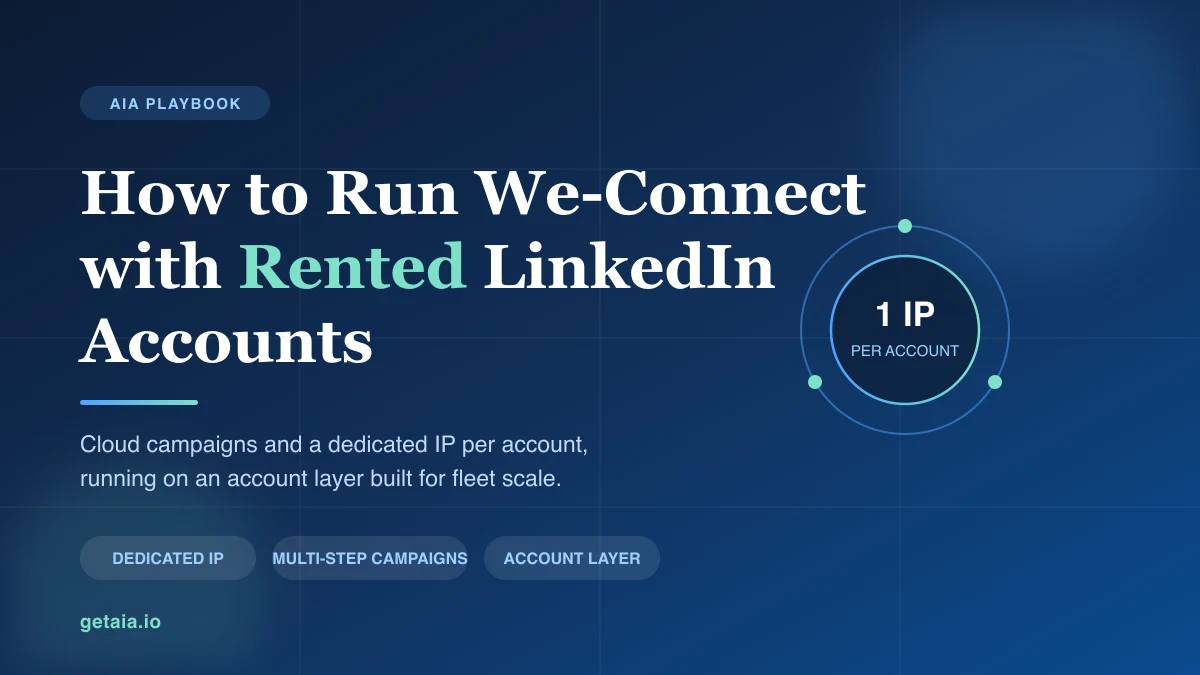
We-Connect is cloud based and assigns a dedicated IP to every account, which makes it one of the safer tools to pair with rented or avatar LinkedIn profiles. Here is how to wire the two together, the proxy question to settle before you send, and the account layer that keeps a fleet alive.
There are two kinds of LinkedIn automation tools, and the difference only shows up when you try to run more than one account.
The first kind lives in your browser. It installs a Chrome extension, drives the LinkedIn session you are already signed into, and inherits whatever IP address your laptop happens to be using. That is fine for one person working one profile. Point it at ten rented profiles and you have ten accounts sharing one fingerprint, which is the fastest way to get all ten flagged at once.
The second kind runs in the cloud and treats each account as its own isolated environment, with its own IP, its own session, and its own schedule. We-Connect is in that second group. On our own We-Connect integration page we describe it plainly: a cloud LinkedIn automation tool with multi-step campaigns and a dedicated IP for each account. Those two properties are exactly what a multi-account operation needs, which is why We-Connect comes up constantly from agencies running rented or avatar profiles.
This guide covers what We-Connect genuinely solves for a fleet, the one setup decision that causes most of the early restrictions, and the part no sequencing tool can fix no matter how well it is built.
Why We-Connect Fits Rented and Avatar Accounts
Three things make a tool workable at fleet scale, and We-Connect has all three.
It is cloud based, so there is no extension on your machine. Nothing to install, nothing tied to your local browser, nothing that breaks when you close the lid on your laptop. Campaigns keep running on a schedule whether or not anyone is at a desk. For an agency driving accounts on behalf of several clients, that matters more than any feature on the comparison table, because it means capacity does not depend on a human keeping a browser open.
Every account gets a dedicated IP. This is the single most important property for multi-account sending. LinkedIn correlates accounts partly by where they sign in from. When five profiles all appear from the same address, they look like one operator running five identities, because that is precisely what they are. A dedicated IP per account keeps each profile looking like a separate person in a separate place. If you want the underlying detail on why the type of IP matters as much as the uniqueness of it, we wrote that up in residential versus datacenter proxies for LinkedIn.
Campaigns are multi-step and per account. You can build a real sequence rather than a single blast: connection request, then a wait, then a message, then a follow up, with branching on whether the prospect accepted or replied. More usefully for a fleet, those campaigns are configured per account, so a cautious new profile and a seasoned heavy sender can run genuinely different cadences inside the same operation.
Put together, that is the right shape for the job. Where teams go wrong is assuming it is the whole job.
What We-Connect Gives You Once the Accounts Are Healthy
With warm accounts underneath it, We-Connect does the work you actually bought it for.
Sequences run unattended across every profile in the fleet. Per account activity caps let you ramp a new sender slowly while the established ones carry the volume. Campaign level reporting tells you which account is producing accepts and replies and which one has gone quiet, which is your earliest signal that a profile is drifting toward trouble. And because the whole thing is server side, adding the eleventh account is the same amount of work as adding the second.
The ceiling on all of that is the quality of the accounts you feed it. A sequencing engine amplifies whatever identity is sending. Point it at a trusted, aged, connected profile and it compounds. Point it at a cold credential bought for twenty dollars and it accelerates the account straight into a restriction.
The Part We-Connect Does Not Solve: The Account Layer
Here is the trap, and it catches experienced teams as often as new ones. You pick a capable cloud tool, you pay for the seats, and then you fill it with accounts from whichever source was cheapest or fastest. There are two usual sources and both of them fail.
Cheap purchased credentials arrive cold. No connection graph, no posting history, no real account age, and no proxy matched to the geography the profile was created in. Send from one of those and it gets restricted quickly, frequently inside the first week. You are then paying for an agency plan that is running on dead senders, and the tool gets blamed for a problem that was upstream of it.
Warming profiles by hand does work. It also takes weeks per account, requires genuine discipline about activity patterns, and does not scale. By the time you have warmed the fortieth profile, the first one has sat idle long enough to look abandoned.
That gap is the one AIA avatars are built to close. Rather than buying disposable credentials or spending a quarter warming profiles manually, you rent a managed account layer that plugs into We-Connect. Each avatar arrives pre aged and pre warmed with 100 or more connections and real engagement, and is ready to send inside safe limits on day one. Setup with your automation tool is included, which matters here specifically, because the pairing between the proxy you assign an account and We-Connect’s per account IP assignment is the detail most often configured wrong. And when a profile does get restricted, which across any large fleet some eventually will, the 48 hour replacement warranty swaps it out so your sequences continue instead of stalling on a dead sender.
If you want to see the wiring before committing to either side, the AIA integrations page covers We-Connect alongside the other proxy friendly tools, and rent LinkedIn accounts explains how the rental model works month to month.
How to Set It Up Safely
The configuration that keeps a We-Connect fleet healthy comes down to a short list of disciplined choices.
- Settle the IP question before your first send. We-Connect assigns a dedicated IP per account, and a rented or avatar profile needs to keep signing in from one consistent address. Those two facts need to be reconciled deliberately rather than discovered after the fact, because an account that was aged on one address and then starts signing in from another is showing LinkedIn the exact pattern you are trying to avoid. Sort this out during setup.
- One proxy per account, pinned permanently. Never rotate a single account across addresses and never share one address across profiles. Stability is the signal; novelty is the risk.
- Ramp, do not launch. Start every account well under the limits for its first two weeks, then climb gradually. Use the per account caps rather than the defaults. A fleet sending modestly for a year beats a fleet sending hard for nine days and then going dark. Our breakdown of LinkedIn connection request limits has the numbers worth building a cadence around.
- Send only from warm accounts. Profiles with real connections and history absorb automation. Cold ones do not. Pre warmed avatars skip the cold start entirely, which removes the largest single cause of early restrictions.
- Put verification on your highest volume senders. The accounts carrying the most volume should carry the strongest trust signal, not the weakest.
- Build the replacement path before you need it. Assume a percentage of accounts will be restricted and have healthy replacements standing by, so one restriction never pauses a campaign. If you are working out what to do when it happens, LinkedIn account restricted, what to do walks through the recovery options honestly.
- Keep one account per persona, not one account per campaign. It is tempting to spin up profiles per campaign. Resist it. Accounts accrue trust over time, so a smaller number of long lived senders outperforms a churn of new ones.
Get those right and We-Connect becomes what it is designed to be: a reliable sequencing engine sitting on top of an account layer that can take the load.
What the Account Layer Costs
AIA tiers are flat monthly per profile, not a per seat fee that grows with every account you add:
- Gold at $147 per profile per month, ID verified
- Platinum at $177 per profile per month
- Titanium at $197 per profile per month, ID verified
- Silver at $97 per profile per month
Volume discounts of 10, 20, and 30 percent apply at 10, 50, and 100 or more avatars, so the account layer gets cheaper per identity as you scale rather than more expensive. The full breakdown is on the AIA pricing page.
The ratio is what to take away here. Across the cloud tools in this category, the sequencing software is a modest per account cost; the identities doing the sending are the substantial line item. At a hundred accounts, the tool is a rounding error against the account layer. Teams routinely spend weeks comparing sequencing tools and an afternoon choosing where their accounts come from, which is exactly backwards given where the money and the risk actually sit. The same arithmetic shows up in how to scale LinkedIn outreach to 50 to 100 sender accounts.
Why ID Verification Moves the Numbers
When you message people who have never heard of you, trust signals drive reply rates. A profile carrying a genuine verification badge gets more connection requests accepted and more messages answered than an unverified one, and on cold outreach that gap compounds across every account in the fleet.
The ID verified tiers, Gold and Titanium, build that badge into the account layer itself, so your heaviest We-Connect senders lead with credibility rather than hoping a clever first line carries them. Because the accounts are managed rather than resold credentials, the verification is part of the infrastructure you rent, and a replacement profile comes verified too.
What This Looks Like in Practice
A typical agency setup looks like this. Ten client campaigns, each needing its own sending identity so the work never touches a client’s real profile. Ten avatars, each loaded into We-Connect as a separate account with its own multi-step campaign and its own conservative cap. Weeks one and two run at low volume while the new accounts settle into their sending pattern. From week three the caps come up and the fleet runs at steady state.
Reporting is per account, so when one profile’s accept rate drops you see it in the campaign data before LinkedIn forces the issue. If a restriction does land, the replacement arrives inside 48 hours already warmed and already proxied, the campaign is repointed, and the sequence resumes. Nothing about that flow requires a person watching a browser, which is the whole reason to use a cloud tool in the first place.
Scale it to fifty or a hundred and the mechanics do not change. Only the discipline has to hold.
The Honest Note on Platform Risk
Running automation against LinkedIn, on any tool, sits outside LinkedIn’s terms of use. We say so on our own FAQ rather than pretending otherwise, because a vendor who tells you the risk is zero is a vendor you should not believe.
The practical worst case is an account restriction. That is why the architecture matters: by running We-Connect on avatars instead of on your own or your client’s real profile, a restriction costs you a replaceable sending identity rather than the account your reputation and relationships live in. The 48 hour replacement warranty and the recommended activity limits exist to make that worst case survivable, not to pretend it cannot happen.
For the wider comparison of which tools in this category hold up on rented profiles, LinkedIn automation tools for rented accounts covers the field, and the Skylead walkthrough is the closest cousin to this one if you are weighing the two cloud options against each other. If email is part of the same motion, Scrubby handles the list hygiene side so your email fallback does not burn a sending domain while your LinkedIn layer is doing its work.
Getting Started
We-Connect handles the sequencing. The accounts decide whether the sequencing ever gets a chance to work.
If you are standing up a new fleet, start with the account layer and fit the tool around it, not the other way round. Pre aged avatars with dedicated proxies, verification on your heaviest senders, conservative ramps for the first fortnight, and a replacement path ready before you need one. That combination is what separates an outbound operation that compounds from one that resets every quarter.
Book a demo and we will walk through the We-Connect pairing on your actual numbers, including the proxy configuration that trips up most first builds.