Residential vs Datacenter Proxies for LinkedIn Outreach: Why the IP Behind Your Account Decides Whether It Survives
The fastest way to get a LinkedIn outreach account restricted is to log it in from the wrong kind of IP. Here is why LinkedIn flags datacenter proxies, why residential and mobile IPs survive, and how AIA avatars remove the proxy problem entirely.
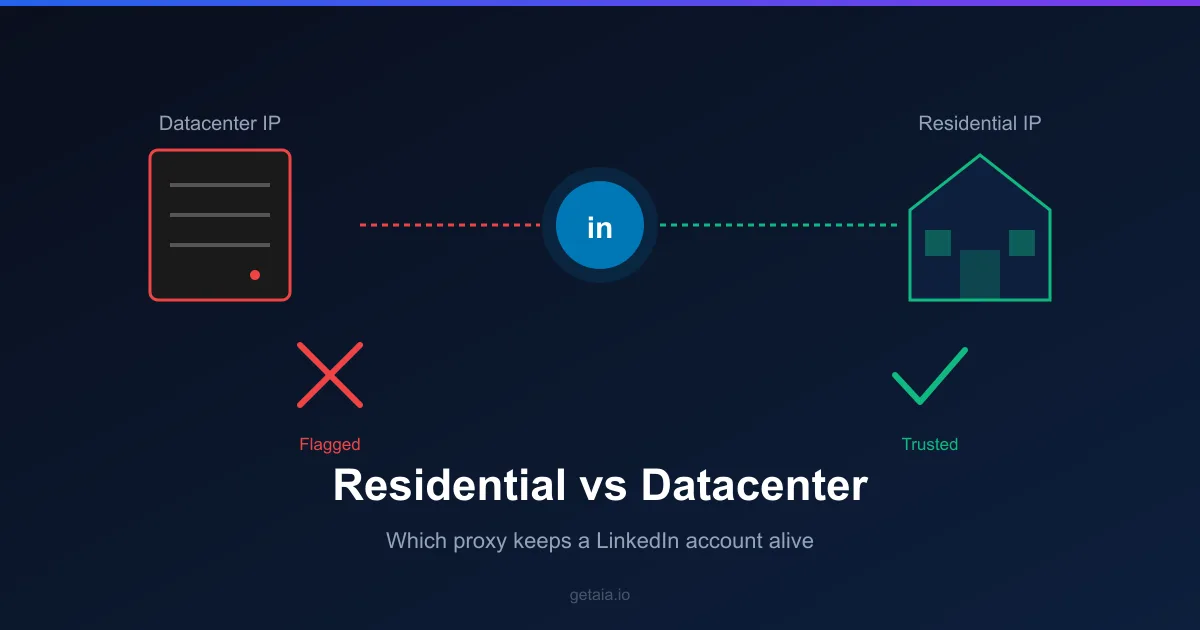
Most teams that scale LinkedIn outreach obsess over the account: how aged it is, how many connections it carries, how warm the profile looks. All of that matters. But there is a quieter variable that decides whether the account lives or dies within the first week, and almost nobody accounts for it until something breaks. That variable is the IP address the account logs in from.
If you are running rented or dedicated accounts for outreach and pairing them with the wrong proxy, you are handing LinkedIn the single clearest signal it uses to detect non-human activity. Here is how the IP layer actually works, why datacenter proxies fail, and what a properly provisioned account looks like.
Why LinkedIn Cares About Your IP at All
LinkedIn’s trust and safety systems do not just look at what an account does. They look at where it does it from. Every login, every connection request, every profile view carries an IP address, and LinkedIn scores that address the same way it scores the behavior on top of it.
The reason is simple. Real members log in from home broadband, office networks, and phones on cellular data. Those are consumer and business IPs assigned by internet service providers. Automation at scale historically ran out of cloud servers, so the IP became the tell. If a “person” is logging in from an address that belongs to a data center rather than a home or a phone, that is a pattern no ordinary member produces.
This is why you can do everything else right, a well aged profile, human-like send pacing, personalized messages, and still get restricted. The behavior looked fine. The address it came from did not.
Why Datacenter Proxies Get Flagged
Datacenter proxies are cheap, fast, and abundant, which is exactly why they fail on LinkedIn. They come from hosting providers like AWS, Google Cloud, and DigitalOcean, and those IP ranges are publicly documented and easy to enumerate. LinkedIn maintains one of the most aggressive datacenter blocklists in social media, because it has fought scrapers harder than almost any other platform.
Three things make datacenter IPs a liability:
- They are recognizable. Entire datacenter ranges are indexed and permanently flagged. LinkedIn can identify an AWS or GCP block on sight, without any behavioral analysis at all.
- They are shared and burned. Cheap proxy pools recycle the same addresses across thousands of users. By the time an IP reaches you, it may already have a history of abuse attached to it.
- They are blocked across many platforms at once. A range that has been abused for scraping on other sites often carries reputation damage that follows it to LinkedIn.
The result is that a datacenter proxy can get a new account challenged or suspended before it sends a single meaningful message. You are not being penalized for outreach. You are being penalized for the address.
Why Residential and Mobile IPs Survive
Residential proxies route your traffic through genuine ISP-assigned consumer addresses, the same kind of IP a real member uses from home. LinkedIn cannot blanket-block these ranges without also blocking legitimate users, so a clean residential IP does not trip the datacenter filter at all.
Mobile and carrier IPs go a step further. Because mobile networks use carrier-grade NAT, a single public IP is shared across many real subscribers at once. That structural fact makes carrier IPs the hardest type for LinkedIn to block, since one address genuinely does map to many humans. Independent testing has put mobile IP survival around 85 percent versus roughly 50 percent for standard residential, precisely because of that shared-subscriber protection.
Two other details matter once you are on the right kind of IP:
- Session stickiness. Authenticated LinkedIn activity needs the same exit IP to persist for the duration of a session, typically 10 to 30 minutes, rather than rotating mid-task. An IP that changes while an account is mid-action looks like a hijacked session and invites a security challenge.
- One identity, one address. An account that hops between a dozen different IPs looks like a credential being passed around. A stable, dedicated IP tied to a single identity reads as one consistent person.
Getting all of this right, a clean residential or mobile IP, sticky sessions, and a one-to-one mapping between account and address, is not a set-and-forget task. It is an ongoing infrastructure problem that most outreach teams are not equipped to run.
The Problem With Sourcing Proxies Yourself
Say you decide to solve this properly. You now have a second procurement problem sitting on top of your account problem. You have to find a reputable residential or mobile proxy provider, vet the cleanliness of their pool, configure sticky sessions correctly, pin one IP per account, and monitor for the day an address silently goes bad and starts drawing challenges.
Do that across ten or twenty accounts and you are effectively running a small network operations function just to keep outreach alive. Every new account is a new proxy to source, test, and bind. Every restriction is a debugging session to work out whether the cause was the behavior, the profile, or the address underneath it. This is the hidden operational tax that turns “just rent some accounts” into a full-time job, and it is why so many teams quietly give up on scaling after the first wave of restrictions.
How AIA Removes the Proxy Problem Entirely
This is exactly the layer AIA is built to own. When you use an AIA avatar, the account does not arrive as a bare login you then have to wrap in your own infrastructure. It arrives as a complete identity with the IP layer already handled: a dedicated, clean proxy provisioned and bound to that single avatar, configured for stable authenticated sessions rather than the rotating datacenter pools that get accounts flagged.
That means the account and its address are matched from day one and stay matched. You are not sourcing proxies, you are not guessing whether a pool is clean, and you are not binding sessions by hand. The infrastructure that decides whether an account survives is managed as part of the product, so you can point your automation tool at the avatar and focus on the outreach itself. It also pairs cleanly with the tools that support custom proxies, which you can check against the AIA integrations list before you wire anything up.
The account layer and the IP layer are not two separate purchases you have to reconcile. They are one managed identity. If you want the full picture of how those avatars are built and priced, the AIA pricing page lays out what each identity includes, and the guide to renting LinkedIn accounts for outreach covers how the accounts themselves are warmed before they ever reach you.
The Takeaway
The proxy is not a side detail of LinkedIn outreach. It is a primary trust signal, and getting it wrong is one of the fastest ways to lose an account you paid for and warmed. Datacenter proxies are cheap because they do not work: their ranges are indexed and flagged. Residential and mobile IPs work because LinkedIn cannot block them without blocking real people. The real question is not which proxy to buy, it is whether you want to run proxy infrastructure at all, or let it come managed as part of the account. If you are scaling outreach, treat the IP behind every account as seriously as the account itself, because LinkedIn already does.



