How to Run Skylead With Rented and Avatar LinkedIn Accounts at Scale in 2026
Skylead is cloud based, assigns a dedicated IP per seat, and prices agency plans by the fleet instead of by the seat, which makes it a strong fit for rented and avatar LinkedIn accounts. Here is how to pair the two safely, plus the account layer that keeps a large sending fleet alive.
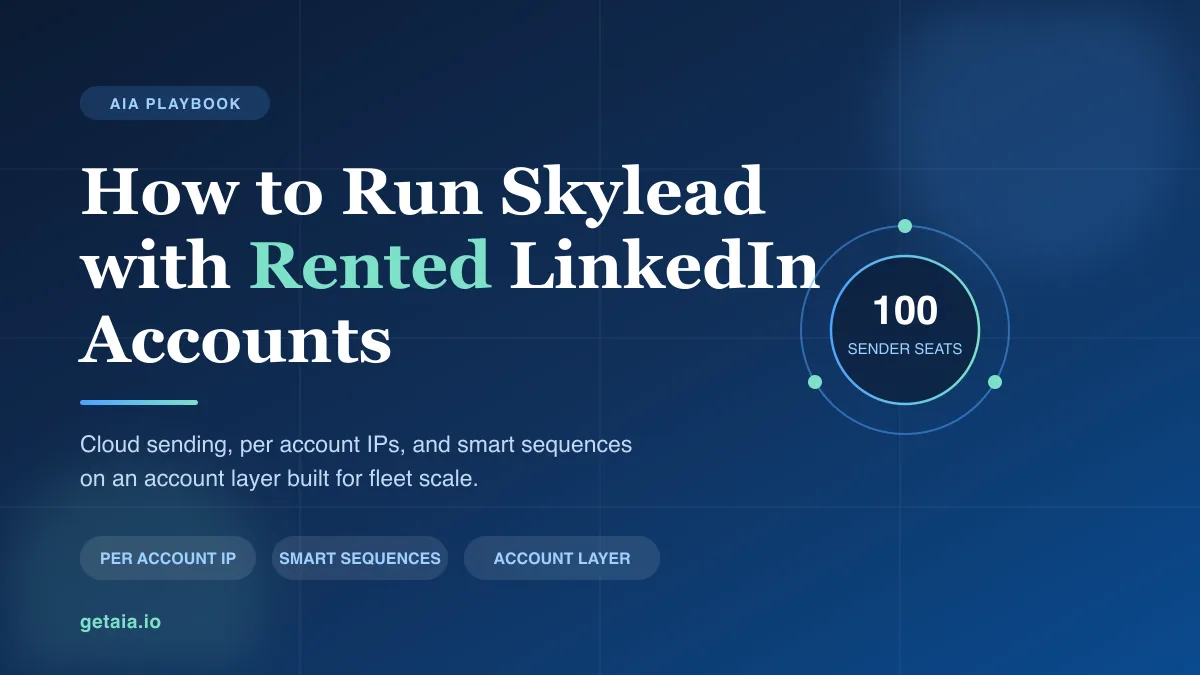
Most LinkedIn automation tools quietly assume one thing: that you are running your own personal profile from your own laptop. The moment you try to drive rented, aged, or avatar accounts through them, the assumptions break. The tool wants a Chrome extension on your machine. It ties every account to whatever IP you happen to be on. It charges you a full seat price for each account you add, so your cost scales linearly with your sending capacity.
Skylead does not make those assumptions, which is why it sits on the short list of tools that actually work with rented accounts. It is cloud based with no browser extension, it assigns a dedicated IP per account, and its agency pricing is built around a fleet rather than a seat.
But Skylead only solves half the problem. It sends the messages. Something still has to supply the accounts those messages send from, keep them warm, and replace them when LinkedIn restricts one. That account layer is where multi account outreach either scales or quietly stalls.
Why Skylead Fits Rented and Avatar Accounts
Three things matter when you are picking a tool to run accounts you do not personally own.
It is cloud based with no Chrome extension. This is the first filter, and it eliminates a surprising number of popular tools. Browser extension tools like Dux-Soup run inside your own browser on your own connection, which means every account you run shares your machine and your IP. That is the fastest way to get a set of accounts linked together and flagged. Skylead runs in the cloud, so each account operates in its own isolated session that keeps running whether your laptop is open or not.
It assigns a dedicated IP per account. To run multiple LinkedIn accounts safely, each one needs to look like a separate real person signing in from a consistent location. Skylead handles IP assignment per account rather than pushing everything through one shared connection. Tools that cannot do this, including Dripify, Waalaxy, Zopto, Dux-Soup, and Ulinc, are effectively unusable with rented accounts no matter how good their sequence builders are.
Its agency pricing scales by fleet, not by seat. Skylead lists an all in one plan at $100 per LinkedIn seat per month, which is reasonable for a small team but would be $10,000 a month at 100 accounts. Its agency tiers, listed on Skylead’s own site at $999 for 25 seats and $1999 for unlimited seats per month as a first year rate, change the shape entirely. At 100 accounts on the unlimited tier your tool cost drops to roughly $20 per sending account. Check current pricing with Skylead directly, since promotional rates move.
That last point is worth sitting with, because it tells you where the real cost of scaled LinkedIn outreach lives. It is not the software. It is the accounts.
What Skylead Gives You Once the Accounts Are Healthy
Skylead’s headline feature is Smart Sequences, which branch on what each prospect actually does. If someone accepts your connection request, they get one path. If they ignore it, the sequence falls back to email. If they open an email but do not reply, they get a different follow up. You build the decision tree once and every prospect walks their own route through it.
That branching matters more than it sounds when you are running a fleet, because it means a single well built sequence can run across dozens of sending accounts without you hand managing each one. Skylead also bundles the pieces you would otherwise buy separately: email finding and verification, unlimited email accounts with email warm up, image and GIF personalization, a unified smart inbox, A and B testing, and CRM sync to HubSpot, Pipedrive, and Salesforce. For agencies there is a client dashboard and white label option.
So the sending layer is genuinely strong. The open question is where the accounts come from.
The Part Skylead Does Not Solve: The Account Layer
Here is the trap. Teams pick a capable tool like Skylead, then try to feed it accounts they bought cheaply somewhere, or profiles they are warming by hand. Both paths break.
Cheap purchased credentials usually arrive cold. No connections, no posting history, no account age, and no proxy that matches where the account was created. Start sending from one of those and it gets restricted fast, often inside the first week. You end up with an expensive agency plan running on dead senders.
Warming profiles by hand does work. It also takes weeks per account, demands real discipline, and does not scale to a fleet of fifty or a hundred. By the time account forty is warm, account one has drifted.
That gap is what AIA avatars fill. Instead of buying disposable credentials or spending a quarter warming profiles, you rent a managed account layer that plugs into Skylead. Each avatar arrives pre aged and pre warmed with 100 or more connections and is ready to send inside safe limits on day one. Setup with your automation tool is included, so the proxy and sign in pairing gets configured correctly rather than guessed at. And when a profile does get restricted, which across a large fleet some always will, the 48 hour replacement SLA swaps it out so your sequences keep running instead of stalling on a dead sender.
The AIA integrations page shows how avatar accounts wire into Skylead and the other proxy friendly tools, so you can see the setup before you commit to either side.
How to Set It Up Safely
The configuration that keeps a Skylead fleet healthy comes down to a handful of disciplined choices.
- One dedicated proxy per account, pinned to the account. Assign one proxy to each avatar and keep that pairing stable. Never rotate an account across IPs and never share one proxy across profiles. If you are unsure how Skylead’s IP assignment interacts with the proxy you assign, sort that out during setup rather than after you have started sending.
- Ramp, do not launch. Start every account well below the limits, especially in its first two weeks, then climb slowly. Smart Sequences let you set conservative per account caps, so use them. A fleet sending modestly beats a fleet sending hard for nine days and then getting restricted.
- Send only from warm accounts. Accounts with real connections and history survive automation. Cold profiles do not. Pre warmed avatars skip the cold start entirely, which is the single biggest cause of early restrictions.
- Put verification on your highest volume senders. The accounts doing the most sending should carry the strongest trust signal.
- Build the replacement path before you need it. Assume some accounts will be restricted. Have healthy replacements ready so one restriction never pauses a campaign.
- Use the multichannel fallback. Skylead’s email layer means a LinkedIn restriction does not kill the whole sequence. Prospects mid flow can keep moving over email while you swap the account.
Get those right and Skylead becomes what it is built to be: a fleet scale sequencing engine running on a fleet scale account layer.
What the Account Layer Costs
AIA tiers are flat monthly per profile, not a per seat fee that grows with every account you add:
- Gold at $147 per profile per month, ID verified
- Platinum at $177 per profile per month
- Titanium at $197 per profile per month, ID verified
- Silver at $97 per profile per month
Volume discounts of 10, 20, and 30 percent kick in at 10, 50, and 100 or more avatars, so the account layer gets cheaper per identity as you scale rather than more expensive. The full breakdown is on the AIA pricing page.
Put the two halves together at 100 accounts. On Skylead’s unlimited seat agency tier your tool cost is roughly $20 per sending account per month. One hundred Gold avatars at the 30 percent volume discount is $147 times 0.70 times 100, which is $10,290 per month, with dedicated proxies, setup, and replacements included. That ratio is the real lesson: the sending tool is a rounding error and the account layer is the budget. Which is exactly why it is the piece worth getting right.
Why ID Verification Moves the Numbers
When you message people who have never heard of you, trust signals drive reply rates. A profile carrying a genuine verification badge gets more connection requests accepted and more messages answered than an unverified one, and on cold outreach that difference compounds across every account in the fleet.
The ID verified tiers, Gold and Titanium, build that badge into the account layer itself, so your heaviest Skylead senders lead with credibility instead of hoping a good first line carries them. Because the accounts are managed rather than resold credentials, the verification is part of the infrastructure you rent, and if a profile is ever replaced the replacement comes verified too.
What This Looks Like in Practice
A top 100 US agency, running as an AIA client, ran 185 avatars and generated more than 500 SQLs and $2.3M in net new revenue in under 90 days. That output does not come from a handful of cold accounts and a clever subject line. It comes from a large, healthy, replaceable fleet feeding a proxy friendly sequencing tool, which is precisely the shape of a Skylead setup on rented accounts.
The pattern repeats across teams that get this right. They stop treating accounts as a one time purchase and start treating them as infrastructure with a running cost and a replacement cycle, the same way they already think about proxies, domains, and email deliverability.
The Honest Note on Platform Risk
No tool and no account model removes platform risk. LinkedIn actively works to detect automation and will restrict accounts that push too hard, whether you run Skylead, Expandi, HeyReach, or anything else. Anyone selling you unbannable accounts is not being straight with you.
What reduces the risk is boring discipline: conservative daily limits, a slow ramp, warm accounts with real history, one dedicated proxy per profile held stable, and ID verification on your top senders. What contains the risk when a restriction happens anyway is a replacement path, which is what the 48 hour SLA exists for, plus a multichannel sequence that can keep a prospect moving over email while the LinkedIn account is swapped. Skylead gives you the cloud infrastructure, the per account IP, and the branching. A managed account layer gives you both the mitigation and the containment.
Getting Started
If Skylead is your sending engine, the last piece is an account layer built to scale with it. The setup guide walks you from zero to a running fleet, and the AIA integrations page shows how the avatars connect into Skylead.
Want a fast read on how many standard or ID verified profiles fit your Skylead plan and your target volume? Message us on WhatsApp at wa.me/37256084933 and we will size it with you. You can also start from getaia.io to see how the whole account layer fits together.
Ready to feed Skylead a fleet that actually scales? Visit app.getaia.io to place your order, or start with the AIA pricing page to size your fleet and lock in volume discounts before you commit.