LinkedIn Connection Acceptance Rate: 2026 Benchmarks and How to Improve Yours
The average LinkedIn connection request acceptance rate sits around 30 percent. Here are the real 2026 benchmarks, the four levers that move your rate, and why the identity sending the invite matters as much as the message.
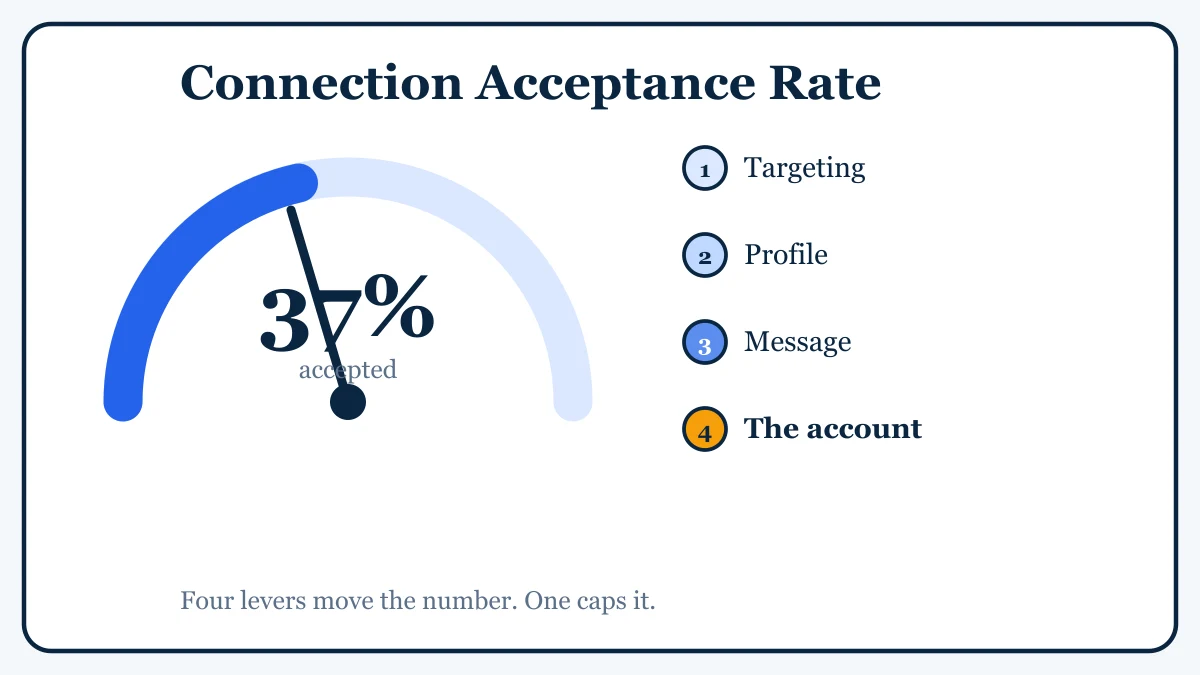
Every LinkedIn outreach campaign lives or dies on one number that most teams never track properly: the connection acceptance rate. It is the percentage of people who accept your invite out of everyone you send one to. Get it wrong and your whole funnel starves before a single message goes out, because a prospect who never accepts can never reply. Get it right and everything downstream (reply rate, meetings booked, pipeline) scales with it.
The frustrating part is that acceptance rate feels random from the inside. Some weeks it is 40 percent, some weeks it is 15, and it is hard to know whether you are doing well or badly. This guide fixes that. We will cover what the real 2026 benchmarks are, the four levers that actually move the number, and one factor teams almost always overlook: the account doing the sending.
What Is a Good LinkedIn Connection Acceptance Rate?
Let us start with the honest benchmarks, because the numbers you see quoted in aggressive sales pitches are not the numbers most teams actually get.
Across large data sets, the average B2B connection request acceptance rate sits between roughly 30 and 37 percent in 2026. A study of around 500,000 requests put the cross-industry average near 30 percent. A separate real-world analysis of 16,492 requests documented an average closer to 37 percent, with the higher figure explained largely by tighter targeting in that sample. Expandi’s own benchmark data lands in the same neighbourhood, around 29 to 30 percent.
So here is a simple way to read your own number:
- Below 20 percent: something is broken. Usually targeting, a weak profile, or an overloaded account. Fix it before you scale.
- 20 to 30 percent: roughly average. You are leaving leads on the table but you are not doing anything egregiously wrong.
- 30 to 40 percent: solid. This is the band a well-run campaign should live in.
- Above 40 percent: strong. This comes from tight ideal customer profile targeting, a credible profile, and disciplined volume, all working together.
Generic, untargeted blasts using a bland template tend to bottom out around 15 to 20 percent. Personalised requests to a well-defined audience routinely reach 35 to 50 percent. The gap between those two worlds is not luck. It is four specific things.
Why the Rate Matters More Than You Think
Before the how, it is worth seeing the math, because acceptance rate compounds harder than any other metric in your funnel.
Say you send 400 invites a month. At a 20 percent acceptance rate, that is 80 new connections. At 40 percent, it is 160. You did not send a single extra invite, yet you doubled the top of your funnel, and every stage below it (conversations, meetings, deals) roughly doubles with it. Raising acceptance from 30 to 50 percent does not add 20 percent more leads. It multiplies them, because the improvement carries all the way down the pipeline.
That is why acceptance rate is the highest-leverage number in LinkedIn outreach. A five-point improvement here beats a much larger improvement in copy further down the funnel. If you are building a repeatable outbound motion, this is covered in more depth in our guide to LinkedIn lead generation strategy.
Lever 1: Target Only People Who Fit
The single biggest driver of acceptance rate is relevance. People accept invites from others who look like a natural professional connection and ignore the rest. When you send to a tightly defined ideal customer profile (right role, right industry, right company size), acceptance climbs, often from the mid teens up into the 35 to 50 percent range on the same message.
Practical steps:
- Build your list from precise filters, not broad titles. “VP of Sales at 50 to 200 person SaaS companies” beats “anyone in sales.”
- Prioritise second-degree connections and people in shared groups. Shared context lifts acceptance noticeably.
- Cut anyone who does not fit before you send, not after they ignore you. Every off-ICP invite drags your rate down and burns daily capacity.
Tighter targeting also means the connections you do win are worth more, so you are not just raising a vanity number, you are filling the funnel with qualified people.
Lever 2: Fix the Profile Before You Send
When someone gets your request, the first thing they do is look at your profile. If it looks incomplete, salesy, or fake, they decline on reflex. Your profile is the landing page for every invite you send, and most teams never optimise it.
The essentials:
- A clear, human headshot and a banner that signals what you do.
- A headline that describes the value you offer, not just a job title. See our LinkedIn headline templates for examples that read as credible rather than promotional.
- An About section written for the reader, covered in what to put in the about section on LinkedIn.
- Enough activity and connections that the account reads as a real, active professional rather than a freshly spun-up shell.
A polished profile can lift acceptance by double digits on its own, because it removes the “is this person legitimate?” hesitation that kills so many invites.
Lever 3: Write a Request People Actually Accept
There is an endless debate about whether to send a note with your request or leave it blank. The honest answer is that it depends on your audience, and you should test both. What is not up for debate is that if you do add a note, a short, relevant, low-pressure one beats a long pitch every time.
- Keep it under roughly 300 characters and lead with why you are reaching out to them specifically.
- Reference something real: a mutual connection, a shared group, a post they wrote, their company.
- Do not pitch in the invite. The goal is the accept, not the sale. Personalised requests see meaningfully higher acceptance than generic ones, so a template blasted to everyone is the worst of both worlds.
If you want a starting point, we keep a running set of LinkedIn connection request message templates you can adapt to your audience.
Lever 4: The Account Doing the Sending
Here is the lever almost nobody talks about, and it is the one that quietly caps everyone’s rate. Targeting, profile, and message all assume the request even reaches the prospect with full weight behind it. That assumption breaks when the account itself is weak, overloaded, or throttled.
Two things are happening under the surface:
First, account trust. A brand-new profile with a thin history, no verification, and a stock photo gets declined more often and is more likely to be filtered or restricted by LinkedIn before your invite lands with full visibility. An established, ID-verified identity reads as a real person, and people accept real people. This is why ID-verified LinkedIn accounts tend to outperform freshly created ones on the exact same message.
Second, capacity. LinkedIn caps how many invites one account can safely send, roughly 100 to 200 a week depending on account standing, and pushing past that gets your invites throttled or your account restricted (the full picture is in our post on LinkedIn connection request limits). When a single overloaded account starts hitting those ceilings, LinkedIn quietly reduces your invite visibility, and your acceptance rate falls for reasons that have nothing to do with your copy. The fix is not to push one account harder. It is to spread the same volume across multiple trusted identities, each sending at a calm, human pace.
This is exactly the problem AIA avatars are built to solve. Instead of stretching one profile to its breaking point, you run a fleet of pre-warmed, verifiable identities, each staying comfortably inside safe limits, so your acceptance rate reflects your targeting and message rather than an account fighting a throttle. If you are serious about volume, the account layer is not a detail, it is the ceiling on everything else, and it is worth understanding why purpose-built avatars beat a single stretched profile before you scale.
Putting It Together: A Simple Playbook
- Measure first. Track invites sent versus accepted every week so you have a real baseline instead of a feeling.
- Tighten targeting. Cut everyone who does not fit your ICP. This alone often moves the biggest.
- Fix the profile. Make every sending identity look like a credible, active professional.
- Personalise the request. Short, relevant, no pitch. Test with and without a note.
- Right-size the account layer. Keep each identity inside safe limits and add identities to grow volume, rather than overloading one account. Pre-warmed, ID-verified avatars let you scale invites without sacrificing acceptance.
Fixing any one of these usually pulls a struggling campaign up into the average band. Fixing all of them together is what pushes a campaign above 40 percent and keeps it there.
The Bottom Line
Your LinkedIn connection acceptance rate is not random, and it is not mainly a copywriting problem. It is the combined output of who you target, how your profile reads, what your request says, and (most overlooked) the trust and capacity of the account sending the invite. The average team sits near 30 percent because they optimise the first three and ignore the fourth. Get all four right and 40 percent or above stops being a lucky week and becomes your normal.
Build the Account Layer Your Acceptance Rate Depends On
The best message in the world cannot rescue a weak or overloaded account. Run pre-warmed, ID-verifiable AIA avatars built to send real volume at a safe, human pace, each ready to attach to your outreach tool and its own proxy, backed by a 48 hour replacement SLA and volume discounts as your fleet grows. Start your order at app.getaia.io, or message the AIA team on WhatsApp if you want help sizing a fleet to your pipeline target first.



