Anti-Detect Browsers for Running Multiple LinkedIn Accounts: What They Fix and What They Do Not
Anti-detect browsers like Multilogin, GoLogin, and Dolphin Anty isolate browser fingerprints so you can sign into several LinkedIn accounts from one machine. Here is what that actually solves, what it leaves exposed, and why the account layer underneath matters more than the browser on top.
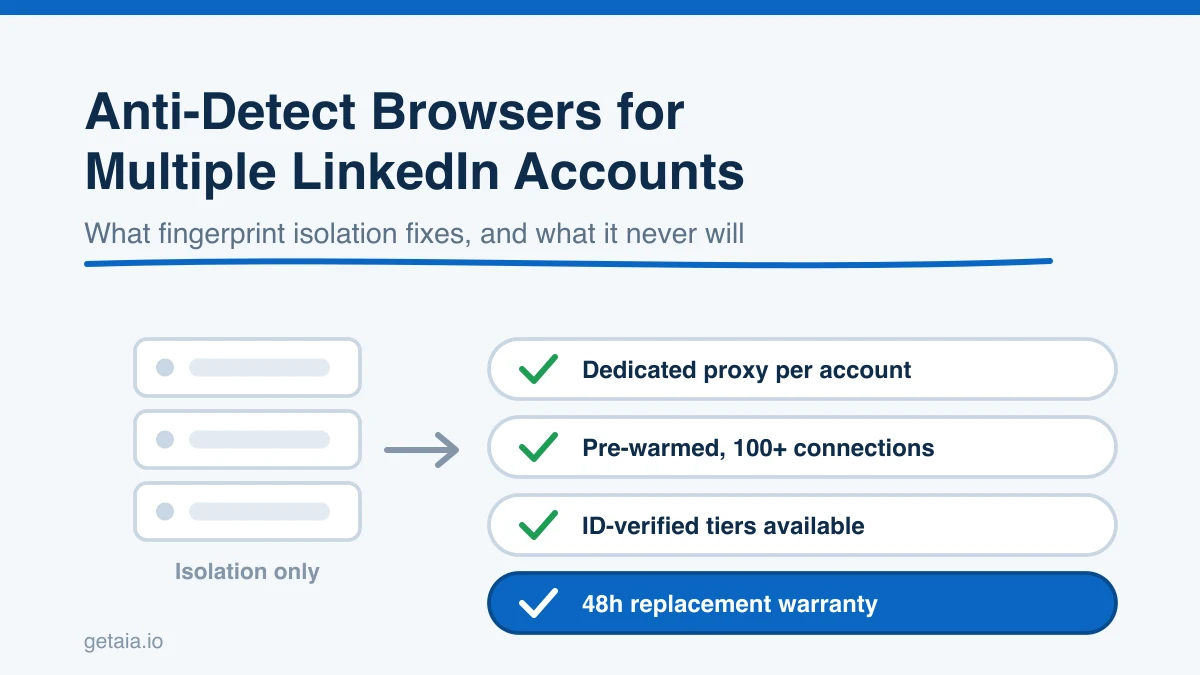
Search for how to run several LinkedIn accounts at once and you will land on the same answer within about four minutes: get an anti-detect browser. Multilogin, GoLogin, Dolphin Anty, AdsPower, Incogniton. Spin up a separate browser profile per account, attach a proxy to each one, and LinkedIn supposedly sees five different people instead of one person with five tabs open.
That advice is not wrong. It is just a much smaller piece of the puzzle than the people repeating it tend to admit. An anti-detect browser solves exactly one category of problem, and the problems that actually get outreach accounts restricted mostly sit outside that category. This guide covers what these tools genuinely do, what they leave wide open, how the real cost stacks up once you pass a handful of profiles, and the structure that holds up when you need twenty or fifty senders running every day instead of three.
What An Anti-Detect Browser Actually Does
A normal browser leaks a surprising amount about the machine behind it. Canvas and WebGL rendering quirks, installed fonts, screen resolution, hardware concurrency, audio context, timezone, language headers, the User-Agent string, and a pile of smaller signals combine into something close to a unique identifier. Open two LinkedIn accounts from the same Chrome install and the two sessions share that identifier even if you clear cookies between them.
An anti-detect browser gives every profile its own sealed container. Separate cookie jar, separate local storage, separate fingerprint values, and its own proxy binding. From the outside, each profile looks like a different device in a different place. That is real, and it is genuinely useful. If you currently run two accounts out of Chrome and a Chrome incognito window, moving to isolated profiles is a straight upgrade.
Here is the honest framing though. Fingerprint isolation stops LinkedIn from linking your accounts to each other through device signals. It does nothing to make any individual account look trustworthy on its own.
The Signals An Anti-Detect Browser Cannot Touch
Account restrictions almost never come from a single leaked canvas hash. They come from a pattern. These are the signals that keep firing regardless of how clean your browser profile is.
IP history and login consistency. An account warmed in one city that suddenly signs in from a datacenter range in another country is a loud signal. The anti-detect browser will faithfully route your session through whatever proxy you attached, including a bad one. If you pair isolated fingerprints with cheap shared datacenter IPs, you have built a very tidy container around a problem. We went deep on this in residential vs datacenter proxies for LinkedIn, and the short version is that the proxy quality and its stability over time matter more than the fingerprint sitting in front of it.
Account age and history. A profile created last Tuesday with eleven connections and no posting history is a brand new account no matter what device it claims to be on. Fresh accounts carry tight limits and get reviewed hard. Fingerprint isolation does not age an account.
Behavioral velocity. Request volume, view velocity, message cadence, time of day, the gap between actions. These are measured per account and per session. A perfectly isolated profile that fires 120 connection requests in forty minutes is still obviously automated.
Connection graph shape. Real professionals accumulate connections unevenly, across companies and over time. A profile whose entire network arrived in one burst from one industry reads differently than one built over a year.
Identity verification state. LinkedIn has leaned steadily harder into verified identity, and accounts that can clear verification hold up noticeably better under sustained outreach. No browser setting produces that.
So the useful mental model is this: an anti-detect browser prevents cross-account linking. It does not create account health. If the accounts underneath are new, unwarmed, or sharing IP space, the browser is a nicely sealed box around a weak foundation.
The Real Cost Of The Anti-Detect Route
The sticker price on these tools looks reasonable, which is why the route is popular. The total cost of ownership is where it gets uncomfortable. Count all of it before you commit:
- The browser subscription, priced per profile slot, which climbs as your account count climbs.
- Proxies, one dedicated and stable IP per account. This is a separate recurring bill and the place where people cut corners and pay for it later.
- The accounts themselves. Either you create them, which means new and limited, or you buy them from a marketplace and inherit whatever history came with them.
- Warming time. A new account needs weeks of light, human-looking activity before it can safely carry outreach volume. That is calendar time you cannot buy back, and operator hours while it happens.
- A machine that stays online. Anti-detect browsers are local or semi-local. Something has to be running, which means a desktop you do not touch or a stack of cloud VMs.
- Operator attention. Logins, 2FA codes, checkpoints, restrictions, replacements. At three accounts this is a chore. At thirty it is a job.
Then the part that actually caps the whole approach: your sessions are not portable. An anti-detect profile lives inside that browser. The cloud automation tool you want to drive your fleet with cannot reach into it. So you end up either running browser-extension automation inside each profile, one window at a time, or maintaining two parallel setups. You also lose the thing that makes multi-account outreach manageable, which is one unified inbox across every sender. Replies land in thirty separate browser profiles and someone has to open each one.
When An Anti-Detect Browser Is The Right Call
It genuinely is the right call sometimes, and pretending otherwise would be dishonest.
Use one when you are running two to five accounts that you personally own, doing mostly manual work, and the goal is keeping those identities cleanly separated. It is also the right tool for one-off manual tasks on a rented profile, like fixing a headline or clearing a checkpoint, where you want the session isolated but you are not trying to automate anything.
It stops being the right call the moment account count becomes your growth lever. Past roughly ten senders, the per-profile babysitting cost grows faster than the output, and you are paying in operator hours for infrastructure that does not actually improve account health.
The Structure That Scales Instead
The teams running real volume do not solve this with a better browser. They split the stack into two layers and buy each one properly.
Layer one is the account layer. Instead of creating profiles and warming them yourself, you rent managed avatar accounts that arrive ready to work. Each AIA avatar comes pre-warmed with 100 or more real connections, so it can send inside safe daily limits from day one rather than after six weeks of hand nurturing. Each one is a separate cloud identity you point at its own proxy, which means the fingerprint and IP separation you were buying an anti-detect browser for does not need a machine of yours running to maintain it. And when a profile does get restricted, which happens to everyone eventually, the 48-hour replacement warranty swaps it out before the campaign notices. The full reasoning behind buying this layer rather than building it is laid out on the why AIA avatars page.
For sustained cold outreach, the ID-verified LinkedIn accounts tiers are worth the step up. Verified identity is the one durability signal you cannot manufacture with tooling, and it is the difference between a fleet you maintain and a fleet you keep rebuilding.
Layer two is the automation tool, and the filter is narrower than most listicles admit. The only question that matters for a rented or avatar account is whether the tool lets you attach your own proxy to each account. If it does not, your avatar signs in from the vendor’s shared infrastructure instead of the dedicated IP it was warmed on, and you have reproduced the exact problem you were trying to avoid.
Tools that support custom proxies and work cleanly with a rented account layer:
- Expandi. Cloud based, dedicated proxy per account, human-like limits. A solid default.
- HeyReach. Built for agencies running many senders, with a unified inbox and workspace pricing. See how to run HeyReach with rented LinkedIn accounts for the setup.
- Skylead. Pairs LinkedIn and email in one sequence, custom proxy support, cloud hosted.
- We-Connect. Clean multi-account controls and safe per-account limits with low setup overhead.
- Buzz. Multi-channel sequencing with team-level account management.
- LIA. Cloud based with per-account proxy configuration.
Tools that do not support custom proxies, and therefore do not work with rented or avatar accounts: Dripify, Waalaxy, Zopto, Dux-Soup, and Ulinc. They are fine products for a single profile you own and sign into yourself. They are the wrong layer for a fleet. You can check what plugs in where on the AIA integrations page.
Put those two layers together and the anti-detect browser problem mostly evaporates. You are not maintaining fingerprints, you are not running VMs, and you are not opening thirty windows to read replies.
What This Looks Like At Volume
A top-100 US agency, running as an AIA client, operated 185 avatars and generated more than 500 SQLs and $2.3M in net-new revenue in under 90 days. That shape of output is not reachable through a browser with 185 profile slots and one operator clicking through them. It requires an account layer that is healthy on arrival, quickly replaceable, and reachable by cloud tooling.
The pricing is built to reward that shape. Per profile per month, the ID-verified line runs Gold at $147 and Titanium at $197, and the proprietary AI line runs Silver at $97 and Platinum at $177. Volume discounts of 10, 20, and 30 percent apply at 10, 50, and 100 or more avatars, so cost per seat falls as the fleet grows. Pre-warmed email avatars are $11 per domain if you want LinkedIn and cold email running from one identity. Full detail sits on the AIA pricing page, and if you want the setup sequence rather than the price list, start with how to start with AIA.
Compare that honestly against the anti-detect route. Browser subscription plus proxies plus account acquisition plus six weeks of warming plus a machine plus operator hours, with no replacement commitment when an account goes down.
Where This Fits In A Wider Outreach Stack
The account layer is one component. Teams getting the most out of it tend to feed it clean data and route the replies properly. Verified contact data from Scrubby keeps bounce rates from poisoning the email side, a job-change signal feed like Champions decides when an account is worth touching, and a virtual SDR capability such as VSDR handles the human follow-through once a reply lands. Agencies packaging the whole motion as a service often look at GroomLead and the managed side of Vendisys. The browser you use is genuinely the least interesting decision in that list.
The Honest Note On Platform Risk
Nothing here makes LinkedIn automation risk free, and anyone telling you otherwise is selling. Accounts get restricted. Limits change without notice. What you can control is how the odds are stacked: stable dedicated IPs per account, volume kept inside human daily caps, accounts that were properly warmed before they carried any outreach, and identity verification where it is available. The mitigation for the risk you cannot remove is a fast replacement path, which is what the 48-hour replacement warranty is for. An anti-detect browser gives you none of that. It gives you isolation, which is one useful ingredient out of five.
Getting Started
If you are shopping for an anti-detect browser because you want to run more LinkedIn senders, pause and check which problem you are actually solving. If it is “keep my own two or three profiles separate,” buy the browser. If it is “run twenty or more senders reliably every day,” the browser is the wrong line item and the account layer is the right one.
Want a quick read on how many standard or ID-verified profiles your outreach volume needs? Message us on WhatsApp at wa.me/37256084933 and we will size it with you.
Ready to stop managing browser profiles and start running an account layer that holds up at scale? Visit app.getaia.io to place your order, or start with the AIA pricing page to size your fleet and lock in volume discounts.



