Managed LinkedIn Outreach Services: What They Cost, What They Deliver, and When to Run It In-House
Most managed LinkedIn outreach pitches cover strategy, copy and reporting, then stay vague about the one thing that decides whether the engagement works: whose accounts it sends from. Here is what these services actually do, how the three pricing models change their incentives, the questions to ask before you sign, and the arithmetic for running it yourself.

You have decided LinkedIn should be producing pipeline and that nobody internally has time to run it. So you start looking for someone to run it for you, and within a week you have four proposals that all say roughly the same thing: ideal customer profile workshop, list building, message sequences, A/B testing, weekly reporting, qualified meetings booked straight into your calendar.
The proposals differ on price. They barely differ on substance. And almost none of them are clear about the single variable that determines whether any of it works: which LinkedIn accounts the messages go out from, and what happens to your pipeline when one of those accounts gets restricted.
That is not a detail. It is the whole operation. This guide covers what a managed LinkedIn outreach service actually does, how the three pricing models quietly change what your vendor optimises for, where these engagements break, the questions worth asking before you sign, and the honest arithmetic on running it in-house instead.
What a Managed LinkedIn Outreach Service Actually Does
Strip away the deck and there are six jobs. Every vendor does some of them. Very few do all six well, and the gaps are rarely in the places the proposal spends its pages on.
Targeting. Defining who to contact and building the list. Usually Sales Navigator plus an enrichment tool, sometimes exported to a spreadsheet you never see. This is the highest-leverage job in the engagement and the one most likely to be delegated to the most junior person on the account.
Copy. Connection notes, follow-ups, and the sequence structure holding them together. Good vendors rewrite based on reply data. Weaker ones ship a template library in week one and never touch it again.
Sending infrastructure. The accounts, the tooling, and the IP each account connects from. This is the part that gets one line in the proposal and causes most of the failures.
Volume management. Daily limits, ramp schedules, and knowing when to slow down. Unglamorous, and the difference between a fleet that lasts a year and one that is half-restricted by month two.
Reply handling. Someone reads the responses and decides what is a lead, what is a soft no, and what needs a human. Often this quietly becomes your job while you are still paying for it.
Reporting. Connection accept rate, reply rate, meetings booked. Ask what the denominator is. “40 percent reply rate” on 50 messages a month is not a pipeline, it is a rounding error.
The Three Pricing Models and What Each One Rewards
How you pay shapes what you get. This is worth more thought than the headline number, because each model creates a different incentive and you will live with it for the length of the contract. Actual figures vary enormously by market, seniority of the people on your account, and how much of the work is genuinely done for you, so treat any number you are quoted as a starting point and interrogate what sits underneath it.
Flat monthly retainer. You pay for capacity and effort. The vendor is incentivised to keep you happy at the lowest delivery cost, which is fine when they are good and invisible when they are not. The risk is drift: month one gets senior attention, month six gets a template and an intern. Protect against it by writing activity and outcome floors into the agreement, not just a scope of work.
Per qualified lead. You pay for output. This aligns incentives better and sounds obviously superior, right up to the point where you discover you and your vendor define “qualified” differently. The failure mode is volume of weak leads that technically clear a loose definition. If you go this route, the definition belongs in the contract with examples of what does not count, and you should expect to argue about edge cases anyway.
Per meeting booked. The strongest alignment and the most expensive per unit. It also pushes the vendor toward whatever books a meeting fastest, which is not always what builds a relationship with the kind of buyer you actually want. Watch show-up rates, not just bookings, and check them yourself rather than taking the dashboard’s word for it.
There is a fourth model worth naming because it is often the right one: the vendor runs strategy and copy while you own the accounts and the tooling. You pay less, you keep the infrastructure, and you keep the pipeline when the engagement ends. More on why that last point matters below.
The Question That Decides Everything: Whose Accounts?
Ask any prospective vendor one question: which LinkedIn accounts will my messages send from?
There are three possible answers and they have very different consequences.
Your team’s real accounts. The vendor logs into profiles belonging to your actual employees. Replies come to a real person with a real history, which genuinely helps response rates. The costs are real too. Your head of sales now has an automation tool attached to the profile they have spent a decade building, and if LinkedIn restricts it, you have lost a personal asset to a marketing campaign. Volume is also capped hard, because you only have as many senders as you have willing employees, and most teams run out of volunteers at three.
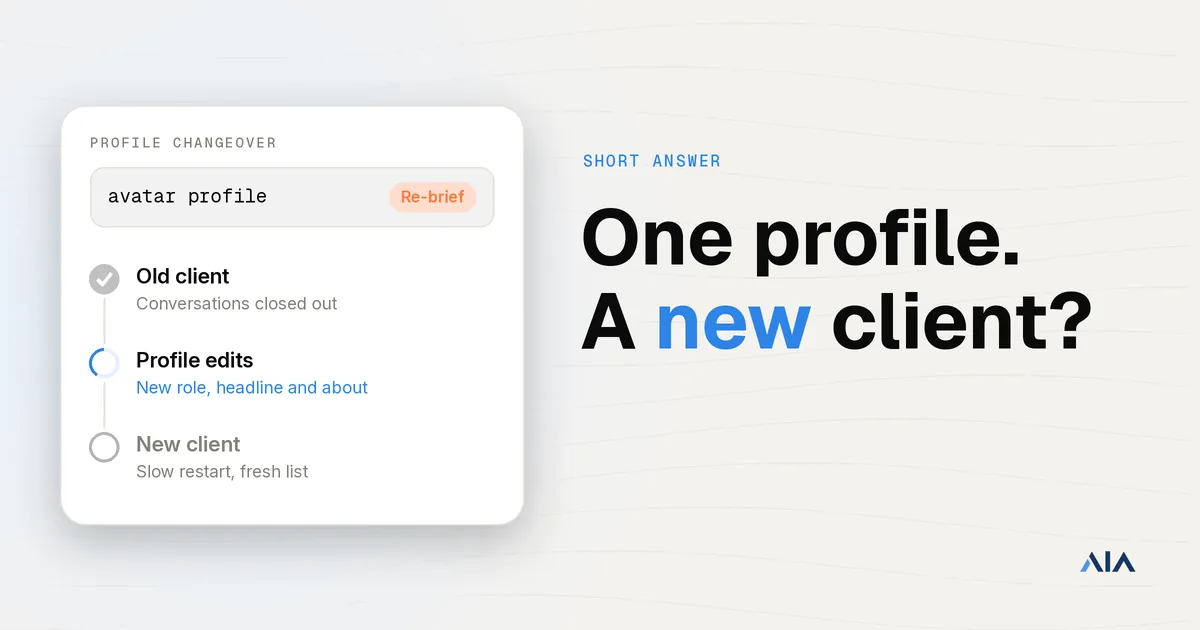
The vendor’s own pooled accounts. Cheaper, faster to start, and the most common quiet default. The problems are structural. You do not know what else those accounts have been sending or to whom. You cannot see their restriction history. The connections they build are an asset on the vendor’s balance sheet, not yours. And when the engagement ends, every relationship the campaign created ends with it, because the profile that holds those connections was never yours. That last point is the one that costs the most and shows up the latest.
Dedicated accounts you control. Profiles provisioned for your campaign, attached to your tooling, that you keep. This is the model that scales horizontally, survives a vendor change, and keeps the connection graph as your asset. It is what our avatar accounts are built for, and it is the arrangement worth pushing for whether you end up running the campaigns yourself or paying someone else to.
If a vendor is evasive on this question, that is the answer. It almost always means option two.
Where These Engagements Actually Break
Patterns we see repeatedly, in rough order of how expensive they are.
Everything runs through one or two profiles. The vendor is cautious with limits because they have nowhere to put extra volume. Your ceiling is set by LinkedIn’s per-account weekly invitation cap, and no amount of copy testing moves it. Volume comes from more senders, not harder sending, and that is a sourcing problem the vendor often cannot solve.
A restriction stops the campaign dead. One account goes down and a third of your sending capacity disappears with it. If there is no replacement path, the only options are to wait or to push the lost volume through the remaining accounts, which is how one restriction becomes three.
The tool cannot use dedicated proxies. This is the technical trap, and it eliminates a surprising number of popular tools on architecture rather than features. Dripify, Waalaxy, Zopto, Dux-Soup and Ulinc do not support bringing your own proxy per account, so they cannot keep a rented or avatar profile on a stable, consistent IP. Browser-extension tools are worse, because several identities end up sharing one fingerprint and one residential IP. Cloud tools that do accept custom proxies, including LIA, Expandi, HeyReach, Skylead, We-Connect and Buzz, are the ones that work on accounts you did not personally sign up for. Our integrations page covers how each one attaches.
Nobody owns reply handling. Replies land in an inbox nobody is accountable for, and your best responses go cold over a weekend. Cheap to fix, and the single most common source of wasted spend in these engagements.
Reporting hides the denominator. Percentages without volumes are decoration. Always ask for raw counts per sender per week.
Offboarding takes the asset with it. Covered above, and worth repeating: if the accounts were never yours, neither were the connections.
Questions to Ask Before You Sign
Run these in order. The early ones disqualify fast.
- Which accounts send my messages, and do I keep them when we stop working together?
- How many sending accounts will be live on my campaign in month one, and in month three?
- Which automation tool, and does it support a dedicated proxy per account?
- What happens, concretely, when an account gets restricted mid-campaign?
- Who reads the replies, and what is the response time target?
- What are the raw weekly volumes per sender, not the percentages?
- Who writes the copy in month six, and what is their name?
- What is the exact definition of a qualified lead, with two examples of what does not qualify?
A vendor with a real operation answers all eight without hesitating. A vendor reselling a thin layer over pooled accounts will get uncomfortable somewhere around question three.
When to Run It In-House Instead
Managed makes sense when you genuinely have no internal owner, when you are testing whether LinkedIn works for your market at all, or when you need senior strategy you cannot hire. Those are real reasons and the model earns its fee.
In-house starts winning once you know the channel works and want to scale it, because at that point the thing you are buying is capacity, and capacity is cheaper to own than to rent through a middleman.
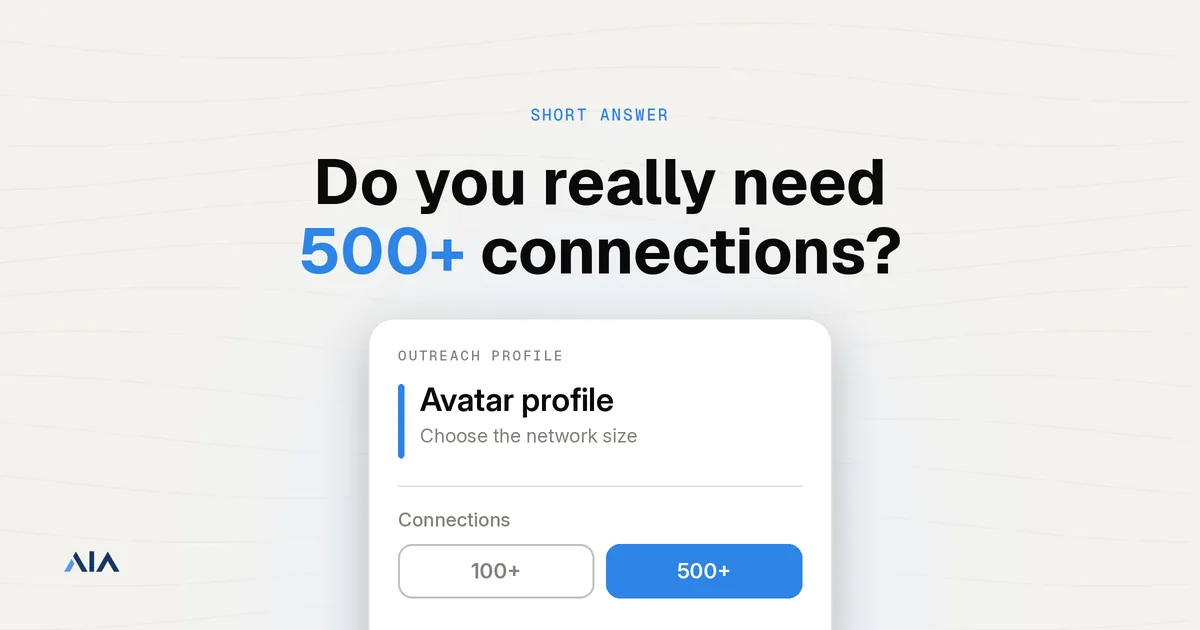
The arithmetic is straightforward. Our avatar accounts run at $147 per profile per month on the Gold tier, which is ID verifiable and ships with 100 or more existing connections, $177 on Platinum and $197 on Titanium, both of which carry 500 or more connections, and $97 on Silver. Volume discounts are 10 percent off at 10 or more avatars, 20 percent at 50 or more, and 30 percent at 100 or more, so the account layer gets cheaper exactly as you scale rather than more expensive. Lead generation agencies ordering for their clients get 10 percent off automatically. A LIA seat for the sending engine is $47 per month. Full numbers are on the AIA pricing page.
Twenty avatars on Gold with the 10 percent volume discount is $147 times 0.9 times 20, or $2,646 per month, for twenty independent ID verifiable senders, plus the tool seat and your own proxies. Compare that to what twenty senders costs you through a managed vendor, and compare both to one or two of your employees’ personal profiles, which is what most managed engagements actually give you.
Scale changes the shape of the result more than copy does. One AIA client, a top-100 US agency, ran 185 avatars to produce more than 500 sales-qualified leads and $2.3 million in net-new revenue in under 90 days. The volume per account was deliberately conservative. The number of accounts was not.
The honest version is that this is not either-or. The best setup we see is a good strategist on retainer running campaigns on an account fleet the client owns. You get the senior thinking and you keep the asset.
The Honest Note on Platform Risk
No account layer, managed service or tool removes platform risk, and any vendor who tells you otherwise is selling you something.
LinkedIn actively works to detect automation and restricts accounts that behave like software, regardless of which tool is driving them or who supplied the profile. Outsourcing the work does not transfer that risk, it just moves it somewhere you cannot see. A managed vendor running your campaign on pooled accounts has the same exposure you would, with less visibility for you and no obligation to tell you when it lands.
What actually reduces the risk is unglamorous: conservative daily limits, a slow ramp, profiles with real history, one stable dedicated IP per account, and ID verification on your primary senders. What contains it when a restriction happens anyway is two things, a replacement path for the account and a sequence that can keep a prospect warm while the sender is swapped. Our replacement cover exists for the first, and our ID verified accounts raise the bar on the second. Spreading volume across more senders rather than pushing harder through fewer is what keeps a single restriction from becoming an outage.
Getting Started
If you are evaluating managed vendors, take the eight questions above into the call. The answers will separate the real operations from the resellers faster than any proposal comparison.
If you are leaning toward running it yourself, the piece to get right first is the account layer, because it is the constraint on everything else. The setup guide walks from zero to a running fleet, and getaia.io shows how the accounts, proxies and tool integrations fit together.
Not sure how many senders your target meeting count actually needs? Message us on WhatsApp at wa.me/37256084933 and we will size it with you, including whether standard or ID verified profiles are the right call for your market.
Ready to own your sending capacity instead of renting it through a middleman? Visit app.getaia.io to place your order, or start with the AIA pricing page to size your fleet and lock in volume discounts before you commit.