How to Run Expandi with Rented LinkedIn Accounts
A step by step guide to running Expandi on rented LinkedIn accounts: proxy pairing, warm up sequencing, safe sending limits, and the account layer that keeps multi seat campaigns alive.
Expandi is one of the few LinkedIn automation platforms that was built with the assumption that you might not be running it from your own laptop. It is cloud based, it accepts a dedicated proxy per seat, and it keeps each account in its own isolated browser session. That combination is exactly what you need if the accounts driving your campaigns are rented rather than personal.
Most teams discover this the hard way. They pick an automation tool first, sign a rental agreement for a handful of accounts second, and then find out the tool has no field anywhere to enter a proxy. At that point the accounts and the tool are fundamentally incompatible, and no amount of configuration will fix it.
This guide covers the working setup: how to pair Expandi with rented accounts, what order to do things in, and the limits that keep the whole system alive past week three.
Why Expandi works with rented accounts and most tools do not
A rented LinkedIn account has a history. It was created somewhere, warmed up somewhere, and has been logging in from a consistent place. When you plug that account into automation software, LinkedIn compares the new session against that history. If the IP address, timezone, and browser fingerprint all shift at once, the login looks like a takeover.
Tools that run as a Chrome extension on your own machine force exactly that shift. Your residential IP in one country replaces the account’s established IP in another. There is no setting to change because the tool was designed for one person automating their own profile.
Expandi avoids this because every seat gets its own cloud container and its own dedicated IP that you control. The account keeps a stable location. This is the same property that makes HeyReach workable, and we walk through that setup in how to run HeyReach with rented LinkedIn accounts. If you are still deciding between the two, Expandi vs HeyReach breaks down the tradeoffs.
The tools to rule out early are the ones with no proxy support at all: Dripify, Waalaxy, Zopto, Dux-Soup, and Ulinc. They are capable products for single operator use, but they cannot hold a rented account safely. We keep a running compatibility list in LinkedIn automation tools for rented accounts.
Get the order of operations right
The single most common cause of a restricted account is doing these steps in the wrong order. Campaigns should be the last thing you turn on, not the first.
- Acquire the account and confirm what IP and region it was last operated from.
- Provision a dedicated proxy that matches that region.
- Connect the account to Expandi through that proxy and do nothing else for several days.
- Warm up with manual and low volume activity.
- Only then enable a real campaign, starting well below the published limits.
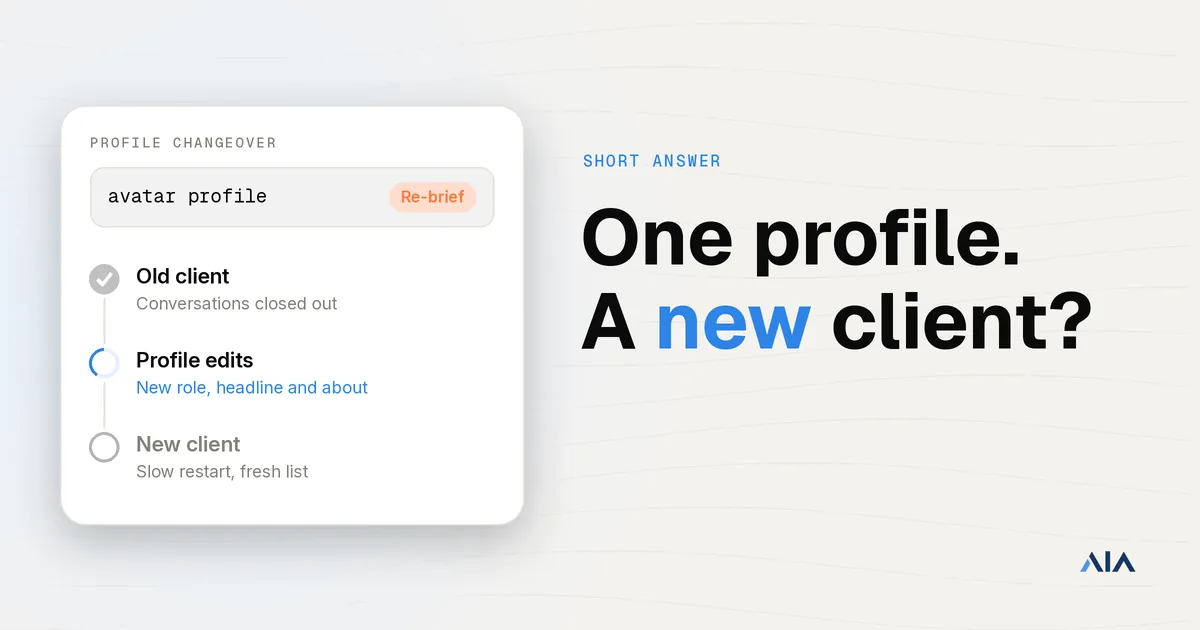
Skipping step three is tempting because the platform will happily let you launch on day one. Resist it. A brand new session that immediately starts firing fifty connection requests is the clearest possible signal of automation.
Step 1: Pair the account with the right proxy
Use a dedicated residential or mobile proxy, one per account, and never share an IP across seats. Datacenter ranges are widely flagged and are a frequent cause of immediate checkpoints. The full reasoning is in residential vs datacenter proxies for LinkedIn.
Match the proxy to the account, not to your team. If the account’s history is in Berlin, the proxy should be German. A US proxy on a German account produces a location jump on the first login, which is the thing you are trying to avoid.
Two details that are easy to miss:
- Set the timezone in Expandi to match the proxy region, not your own. A German IP paired with a Pacific timezone is an obvious mismatch.
- Keep the proxy for the life of the account. Rotating IPs weekly recreates the instability you paid to avoid.
Step 2: Let the session settle before you automate
After the first successful login, leave the account alone apart from light manual browsing through the Expandi session. Three to five days is a reasonable floor. You are establishing that this new IP and fingerprint combination is now normal for the account.
During this window, do the unglamorous profile work. Make sure the headline, About section, and photo look like a real operator rather than a placeholder. Profiles that get reported as fake usually look the part. Our LinkedIn headline templates and what to put in the About section on LinkedIn cover the specifics.
Step 3: Warm up before volume
Warm up is a ramp, not a switch. A sensible first two weeks looks like this:
- Days 1 to 3: no outbound automation. Browsing and profile edits only.
- Days 4 to 7: ten to fifteen connection requests per day, plus some likes and profile views.
- Days 8 to 14: climb toward twenty five to thirty five requests per day if acceptance rates hold.
- Day 15 onward: approach your steady state ceiling, which for most accounts sits somewhere under eighty actions per day across all action types.
Treat those as starting points rather than targets. The real ceiling depends on account age, connection count, and how your audience responds. LinkedIn connection request limits goes deeper on where the thresholds actually sit, and how to warm up a new LinkedIn account for outreach covers the ramp in more detail.
The metric to watch is acceptance rate. If it falls below roughly fifteen percent, your targeting is off and LinkedIn is reading the behavior as indiscriminate. Fix the audience before raising volume. LinkedIn connection acceptance rate explains what good looks like by segment.
Step 4: Build the campaign so it does not look automated
Expandi’s smart sequences let you branch on whether someone accepted, replied, or viewed. Use that, because linear blasts are easy to detect and easy to ignore.
A few things that matter more than the copy itself:
- Randomize delays between actions. Fixed intervals are a fingerprint.
- Respect working hours in the account’s timezone. Messages at 3am local time are a tell.
- Cap daily actions per account rather than per campaign. Two campaigns at forty actions each is eighty actions on one account.
- Personalize on something real. Pulling in a company name is table stakes; referencing a job change or a post is what actually earns replies.
On the copy side, keep first touches short and avoid pitching before acceptance. LinkedIn connection request message templates and LinkedIn follow up message after no response have patterns that hold up at volume.
If your sequence includes an email step, verify the list before you send. Bounces damage domain reputation fast, and a quick pass through Scrubby removes the addresses that would have hurt you.
Step 5: Scale by adding accounts, not by pushing limits
This is where most programs stall. Once a single account is running at its safe ceiling, the instinct is to push that account harder. That is the one move guaranteed to get it restricted.
Volume comes from more accounts, each operating conservatively. Thirty accounts at thirty requests a day is nine hundred touches with every individual account sitting comfortably inside normal behavior. One account trying to do nine hundred is a restriction waiting to happen.
That arithmetic is the whole argument for a multi account program, and it is covered in scale LinkedIn outreach with 50 to 100 sender accounts and how to scale LinkedIn outreach.
Scaling this way creates a new problem, though: you now need a reliable supply of accounts that can each hold a stable proxy and survive indefinitely. Sourcing those one at a time from resellers is where programs tend to break down, because quality is inconsistent and replacements take days.
The account layer underneath the tool
Expandi is the sending layer. It is good at sequencing, branching, and reporting. What it does not do is supply or maintain the accounts, and that is the part that actually determines whether your program survives.
This is the gap AIA fills. AIA provides LinkedIn avatar accounts built to be operated by automation: each one comes with a complete, credible profile and an established login history. They plug into Expandi the same way any other seat does.
The practical difference is what happens on a bad day. When a self sourced account gets restricted, your campaign stops and you start hunting for a replacement. With a managed account layer, the seat is replaced and the sequence keeps running. Over a quarter that is the difference between a program with a pipeline and a program with an incident log.
If you are weighing avatar accounts against buying aged accounts outright, AIA avatars or aged LinkedIn accounts: which is better compares them directly, and LinkedIn account providers compared covers the wider market.
Agencies running this for clients should also read LinkedIn automation for agencies, since the per client isolation requirements add a layer. And if you would rather not operate any of it in house, VSDR runs the accounts, the tooling, and the sequences as a managed virtual SDR team.
What to do when an account gets flagged
It will happen eventually. The response matters more than the prevention at that point.
Stop all automation on that account immediately. Do not keep sending through a checkpoint, and do not try a different IP to get around it, because that makes the takeover signal stronger. Complete whatever verification LinkedIn asks for from the account’s normal proxy, then leave it idle for a week before resuming at warm up volumes rather than full speed.
LinkedIn account restricted: what to do walks through the recovery path, and protect your LinkedIn account from restriction or suspension covers the preventative side.
The short version
Expandi works with rented LinkedIn accounts because it gives every seat an isolated cloud session and a proxy you control. To make that work in practice: match each proxy to its account’s real region, let the session settle for several days before automating, ramp volume over two weeks while watching acceptance rate, cap actions per account rather than per campaign, and grow by adding accounts instead of pushing any single one harder.
Get the account layer right and Expandi becomes a straightforward sequencing tool. Get it wrong and no amount of tuning inside the platform will save the campaign.
Ready to run Expandi on accounts that are built for it? See how AIA avatar accounts work.